
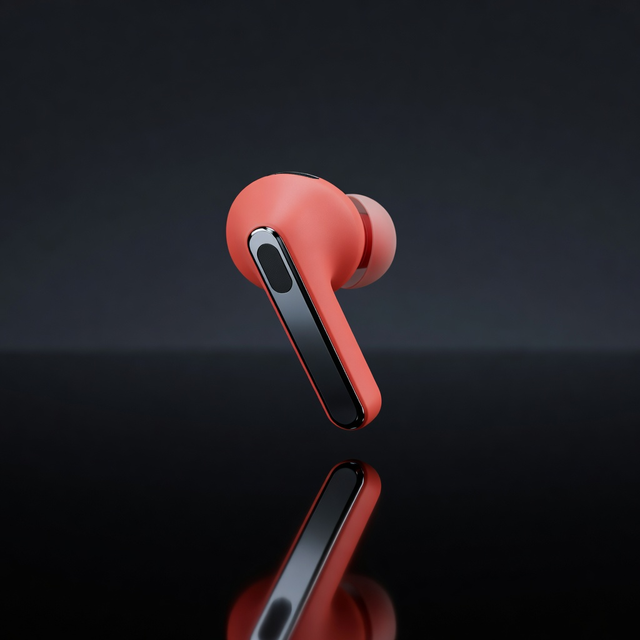
Product Render
Studio-lit product shots for listings, ads, and packaging mockups.
Voxelora turns plain text into polished 3D-looking images for product shots, characters, spaces, icons, and abstract art. Built for creators, sellers, designers, and small businesses who want studio quality without studio pricing.
Studio
One clear image per run keeps costs low and results easy to review.
Start with 15 free credits
No card required. Sign in to save your balance.
Be specific about subject, materials, lighting, and mood.
Preview
Your image appears here
Write a prompt, choose a style and ratio, then hit Generate.
Styles
Start with a preset that matches the job, then write the details only you know: brand colors, materials, camera angle, and mood. Each style steers lighting and surface quality so results stay consistent from listing photos to campaign art.
Studio-lit product shots for listings, ads, and packaging mockups.
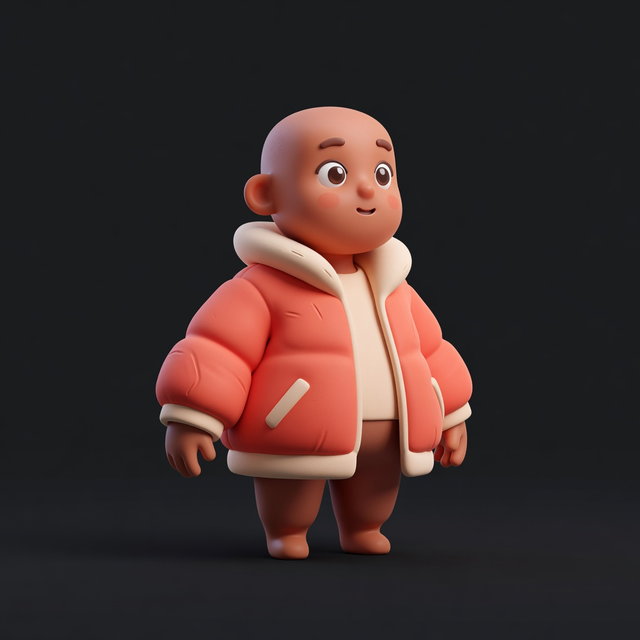
Stylized figures for games, stories, avatars, and campaign art.
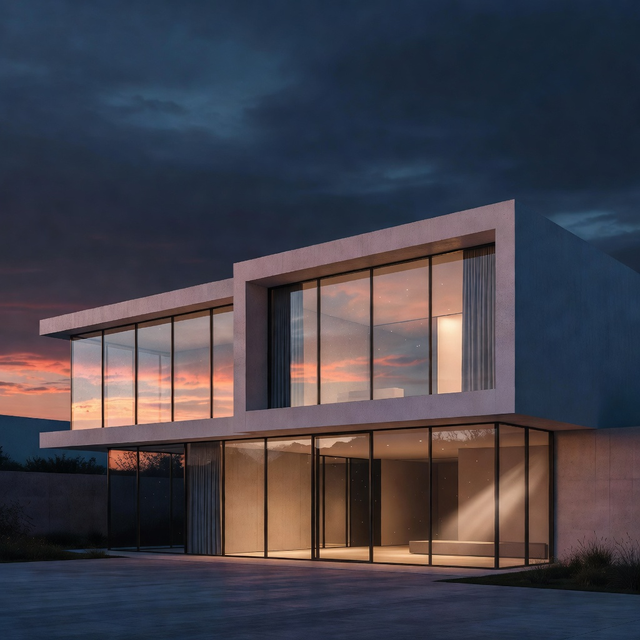
Spaces and structures with believable light, glass, and materials.
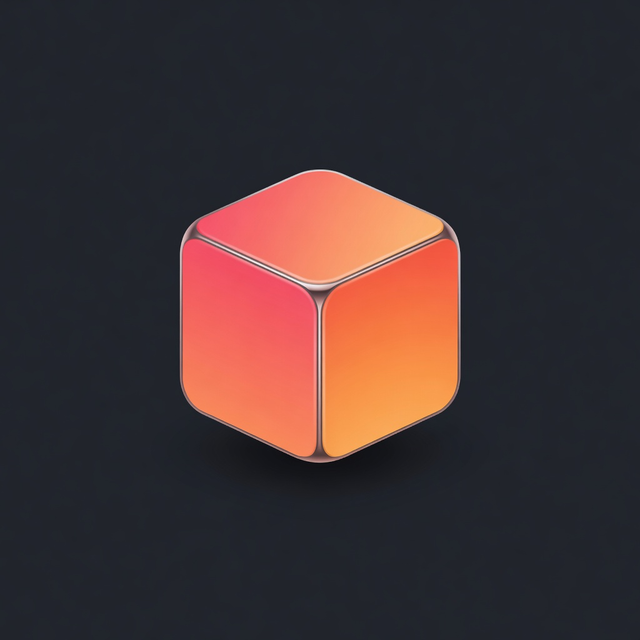
Glossy app icons and simple 3D marks with crisp edges.
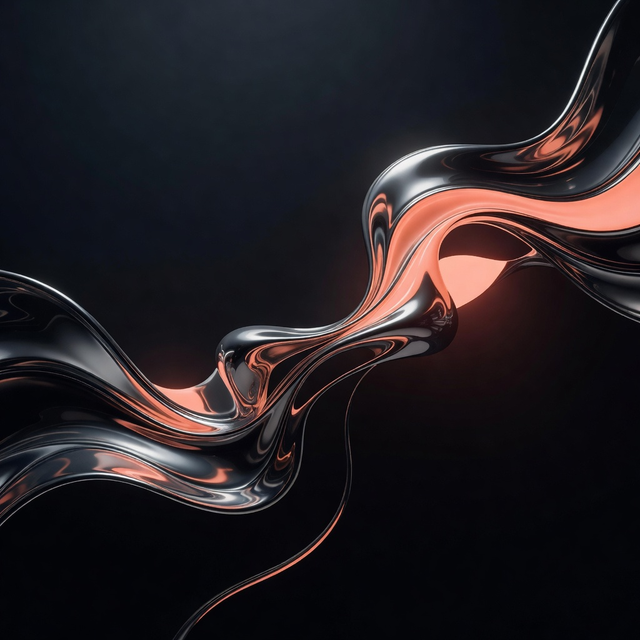
Sculptural forms and motion for backgrounds and brand art.
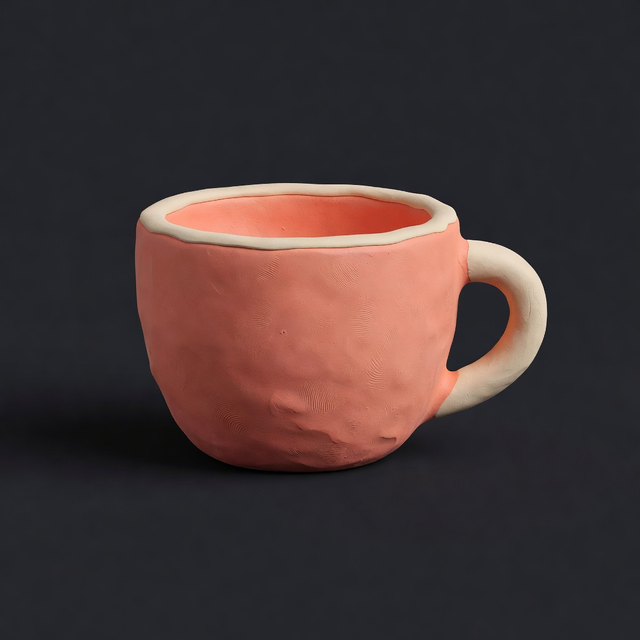
Soft matte clay shapes with a handmade stop-motion feel.
Spin up product angles for store pages and ads without booking a photo set.
Explore concepts fast, then download the frames that fit the campaign.
Build characters, scenes, and icons that match a clear visual voice.
Render gallery
Explore the same six presets inside the studio, from blue-hour architecture to tactile clay. Start with the visual job in front of you, then turn that direction into a finished 3D-looking image.
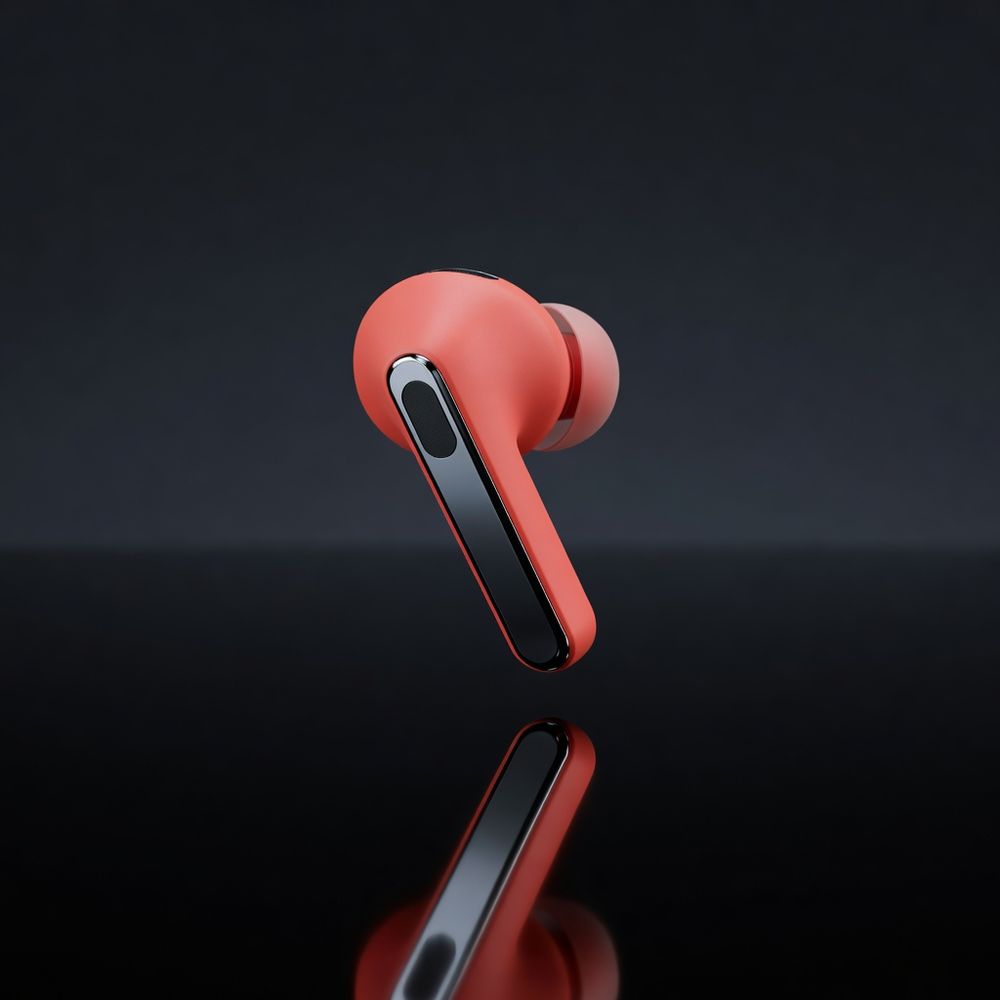
Product & packaging
01Polished product frames for packaging mockups, listings, and launch campaigns.
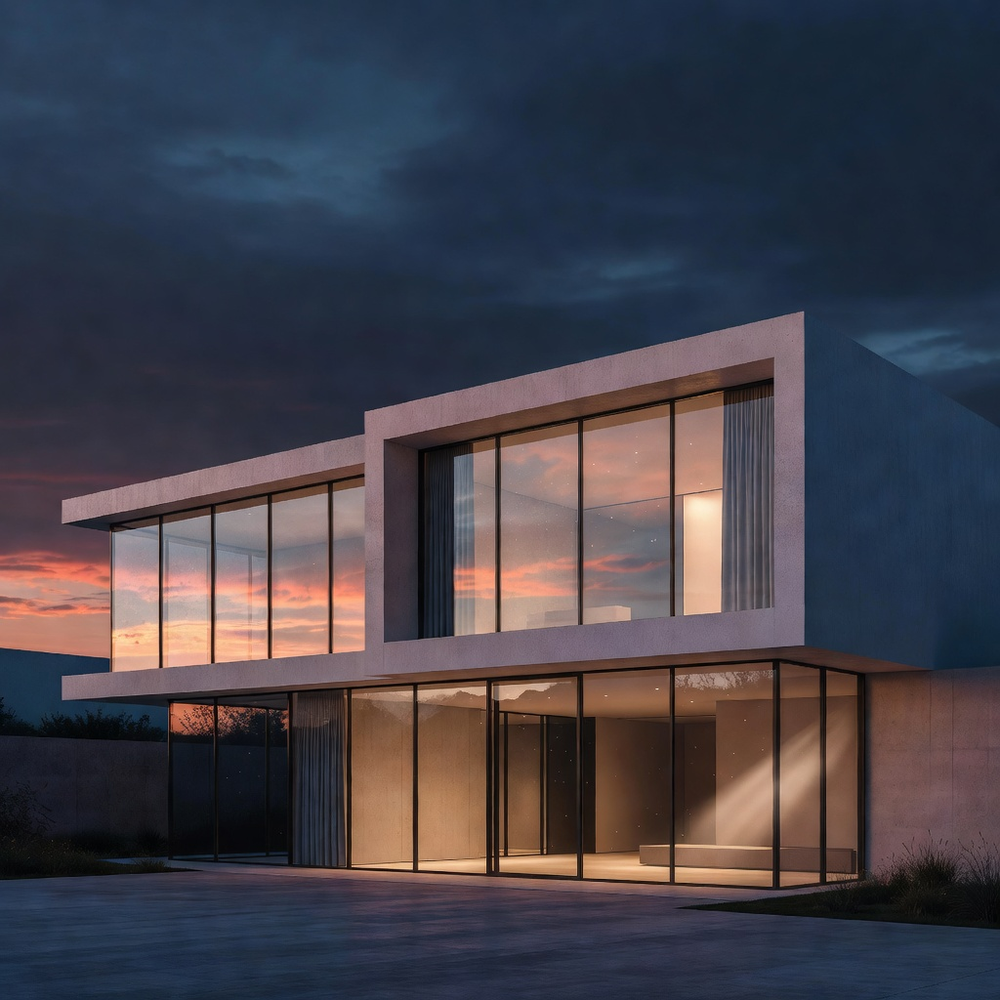
Architectural mood
02Sunset-lit spaces for listing visuals, pitch decks, and spatial concepts.
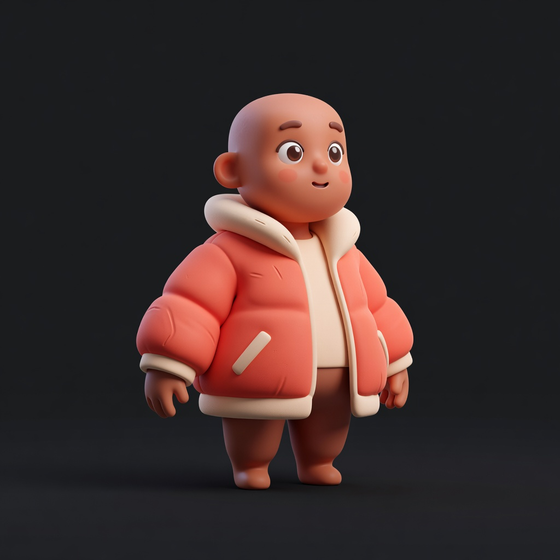
Campaign characters
03Recognizable figures for stories, avatars, and campaign worlds.
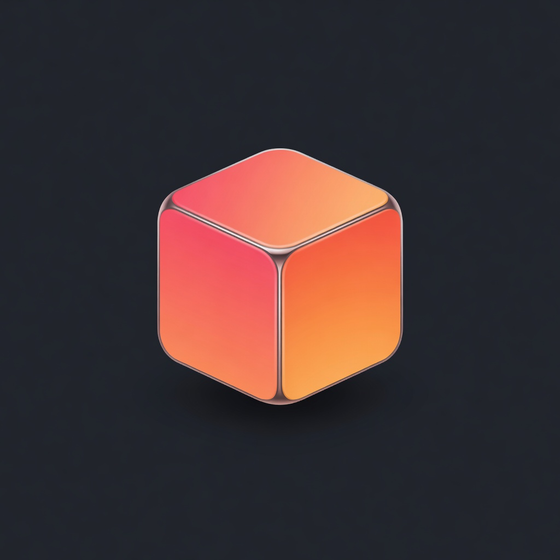
App marks
04Glossy symbols for product launches, feature screens, and brand systems.
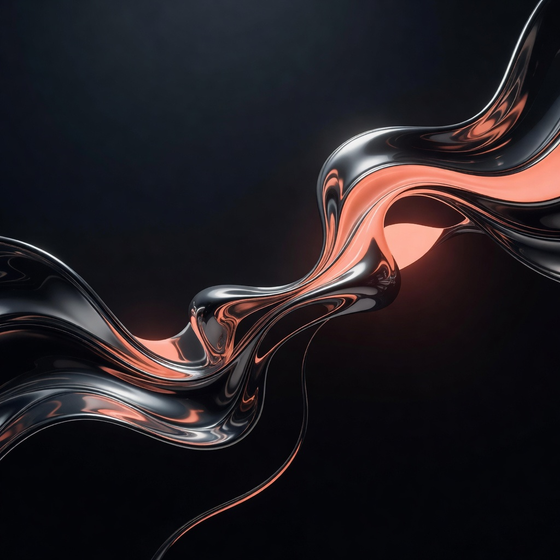
Brand art
05Sculptural surfaces for title cards, backgrounds, and visual identity explorations.
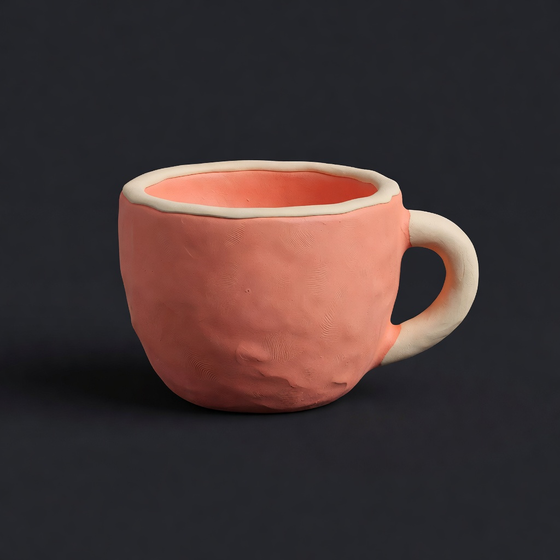
Warm prototypes
06Soft forms for approachable product concepts, storyboards, and social scenes.
A simple next step
You found a direction. Take it into the studio with a small, one-time pack for your next set of renders.
Starter pack
50 credits
1 credit = 1 standard render
Paid credits never expire
Sign in is required so your credits arrive in the right account. Stripe handles payment details securely in a new tab.
Voxelora creates finished 3D-looking images for review and campaign use. Editable 3D files are not part of the studio.
Made for the first direction
Pricing
Voxelora keeps the first step small and the math easy to follow. Every account starts with 15 free credits, then you choose a one-time pack when you need more room for product shots, concepts, or campaign art.
Simple credit math
1 credit = 1 standard render
Paid credits never expire. Use them when a new brief arrives, without keeping a subscription active between projects.
Checkout opens in a new tab. Stripe handles your payment details securely.
Starter
50 credits
A low-risk pack for a focused brief or a few first drafts.
Creator
125 credits
A steady supply for weekly content, listings, and concepts.
Studio
300 credits
Room to explore angles and ship a larger creative run.
Business
750 credits
A deep credit reserve for frequent product and campaign work.
Sign in is required so your credits arrive in the right account.
For agencies and studios
If your team has a live product, packaging, spatial, character, or campaign brief, share the useful details here. We’ll suggest a small pilot with three to six visual directions for your team to review, while your production process stays in charge.
A useful first test
A product, pack, space, character, or campaign direction is enough to start.
Compare early lighting, material, world, or styleframe routes before production time is committed.
Your designers decide what earns a place in the final production process.
Keep it lightweight: a short note, one brief, and your team’s review. George will keep the next step focused.
Open the studio, choose a style that fits the brief, and generate a download-ready 3D-looking image without leaving this page.
